

Business Fibre & Internet
for Cape Town businesses.
Connect your Cape Town business with internet and backup connectivity suited to your premises. Compare the access options and request a fibre availability check for your address.
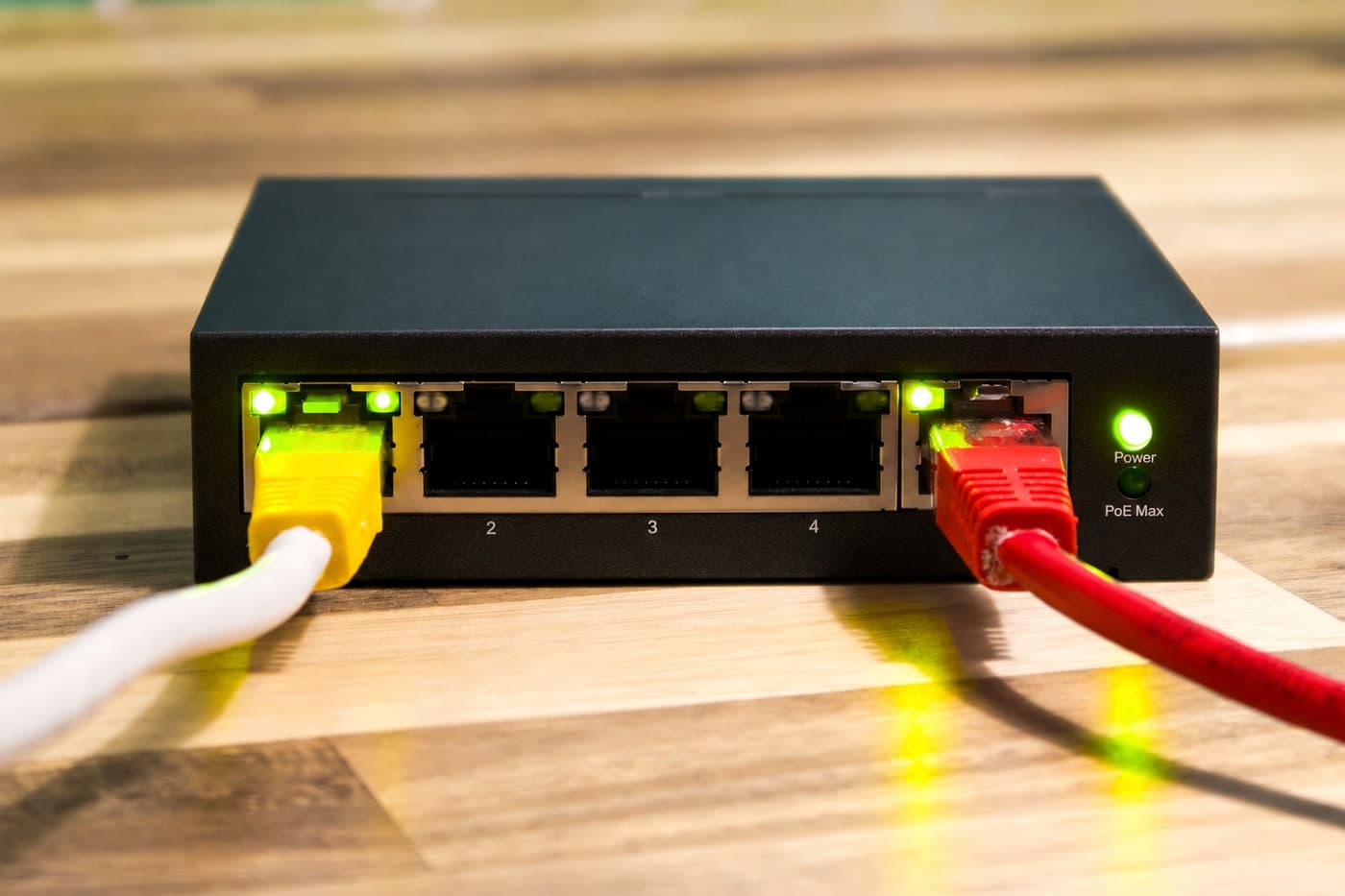
Business internet, office networks and backup connections
Start with the site address and the work the connection must support. A business internet service and the network inside your premises both affect how reliably staff can work.
- Business fibre, LTE and wireless options
Compare available access services against your address, number of users and application needs. Check upload and download requirements, installation dependencies and the underlying provider terms. Availability and delivery dates must be confirmed for the actual site. - Office Wi-Fi, cabling and network equipment
A faster internet connection cannot resolve every internal network problem. Assess coverage, cabling, switches, routers and device access alongside the line. Explore managed networking and structured cabling services where the premises need work. - Backup connections and site-to-site access
Plan what happens when the primary connection fails and which applications need to remain reachable. Review alternative access, failover equipment, power dependencies and remote access. Secure SD-WAN options may form part of a more complex multi-site requirement. - Performance, monitoring and support ownership
Identify who diagnoses a fault, monitors the connection and escalates to each supplier. Business calling and hosted applications may have particular latency, upload or configuration needs. Network monitoring and agreed support responsibilities can make those dependencies clearer.
What are you trying to connect?
Describe the site and the business impact before choosing a product.
- New or relocated premises needing an available business internet service.
- An office with recurring Wi-Fi, network or connectivity problems.
- Remote users or multiple sites needing dependable access and a backup plan.
Choose the connection around the work you need to do.
Availability, the service specification and the needs of your premises determine which option fits. These are comparison points to discuss before an order is confirmed.
Shared business fibre
A business fibre access service can suit everyday cloud applications, email and collaboration. Check the actual upload/download speeds, contention, support and service terms for the proposed connection.
Dedicated internet access
For workloads with stricter capacity or service requirements, discuss dedicated access where it is available. Confirm the bandwidth commitment, installation work and service-level terms in the actual proposal.
LTE or wireless backup
A second access connection can provide another route when a primary service fails. Check coverage, data allowances, router failover and whether the backup depends on the same power or infrastructure.
The network inside your premises
Your internet connection and your office Wi-Fi solve different problems. Managed networking can help address access-point placement, switching and the separation of staff and guest traffic.
Submit the site address and your requirements below. The team will check the available options; submitting a request does not confirm coverage, pricing or an installation date.
Browse indicative fibre packages · Learn about the Technolutions network
How we plan a business connection
Availability, installation and provider terms need to be checked before an order or change is agreed.
01
Check sites and availability
Provide the full address, existing services and building access requirements. Identify which providers and access options can serve the site and what may affect installation.
02
Define performance and resilience
Review users, cloud applications, business calling and upload needs. Agree router, addressing, Wi-Fi and backup requirements, including the effect of a line or power failure.
03
Confirm terms and installation
Review once-off and recurring costs, equipment ownership, contract terms and supplier responsibilities. Agree the installation sequence, any transition from an existing provider and the tests required.
04
Test access and agree support
Check the agreed connectivity and application requirements, including backup operation where in scope. Confirm fault reporting, monitoring and supplier escalation responsibilities for the working service.
What affects business connectivity pricing?
Compare available services using the same site and requirements. A quoted line price may exclude equipment, network changes or continuing support.
- Site availability, access service, bandwidth and underlying supplier terms.
- Installation, router, addressing, Wi-Fi and cabling requirements.
- Backup connections, failover equipment and power dependencies.
- Monitoring, support responsibilities, contract terms and migration costs.
What to prepare for an availability check
Bring these details to the first conversation so available services can be assessed against your actual requirements.
- Full site address, building access and any planned move date.
- Current provider, connection type, equipment and contract end date.
- Number of users and important applications, including business calling.
- Upload needs, recurring faults and what must work during an outage.
- Office network and power-backup arrangements that may affect the service.
Business connectivity: common questions
Can you check business fibre availability in Cape Town?
Provide the full premises address and your connectivity requirements. Available services, installation dependencies and provider terms must be checked for that site. An area having fibre coverage does not guarantee a particular product is available at every building.
Should we choose fibre, LTE or wireless internet?
Compare the available services against performance, usage, installation and resilience needs. Fibre may suit one site while another needs a wireless service or a combination. Check upload performance, network conditions and the service terms rather than choosing by access type alone.
Will a faster internet line fix poor office Wi-Fi?
Not necessarily. Internal coverage, cabling, interference, equipment and device load can limit performance even when the internet service is working. A network assessment helps distinguish the line from the network inside the premises.
Can we keep working if the main connection fails?
Continuity depends on the backup service, router/failover design, power and the applications involved. Agree what should remain available, then test the relevant failure scenarios. A second line alone does not guarantee every application or call will continue without interruption.
What connectivity do cloud applications and VoIP need?
Review bandwidth alongside latency, upload capacity, addressing and network configuration. User counts and calling patterns affect the requirement. Link the connection design to your cloud services and business phone system.
Who do we contact when there is a fault?
The service agreement should identify fault reporting, diagnostic responsibility and escalation to the underlying providers. Confirm whether equipment, the office network, monitoring and on-site support are included or handled under a separate arrangement.
How long will installation take?
Installation depends on confirmed availability, provider delivery, building access, equipment and any required network work. Agree the expected sequence after those dependencies are checked and plan around any existing contract or business move.
Use the enquiry form below to tell us about your current setup and the help you need. Existing clients can call support on 021 712 4124.